Key Activities
Before downloading this worksheet, make sure to read the instructions below
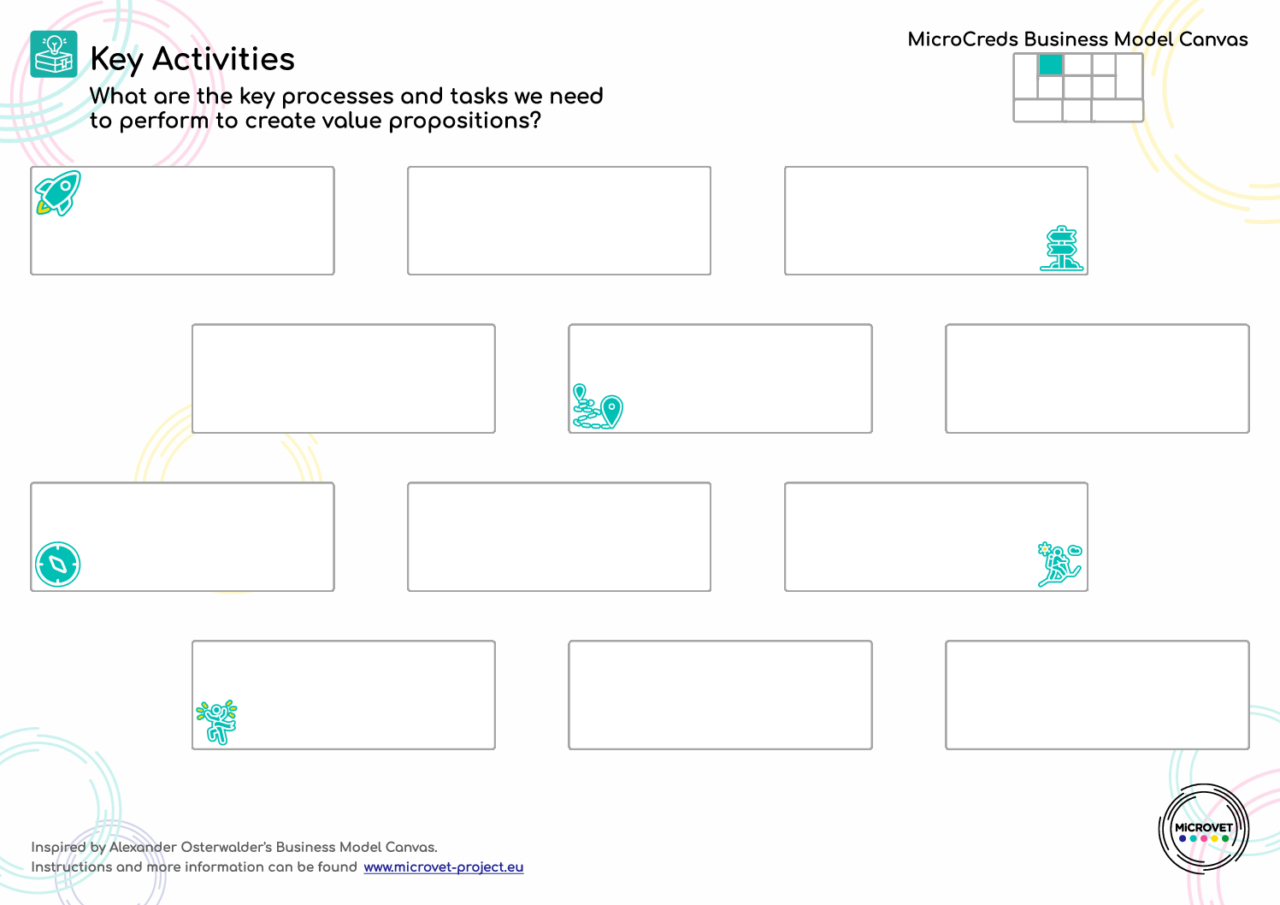
This worksheet is designed to assist in the identification and organisation of the essential actions needed to successfully deliver your course. By mapping out these activities, you can ensure a systematic approach to course creation, covering all critical aspects from initial design to final delivery and evaluation.
By using the Key Activities worksheet, you can ensure a structured approach to creating and managing your microcredential course, which is crucial for delivering a valuable and effective learning experience.
It will help you answer the following questions:
- What are the essential activities required for the successful development and delivery of a micro credential course?
- How can alignment with the Learner Journey Map worksheet improve the identification of key activities?
How to use this worksheet:
1. Start with the initial activity in the top- left box:
Begin by defining the first key activity necessary for course development. This might include tasks like Market Research or Identify Learner Needs. Use the space provided in the box to describe the activity in detail, including objectives and expected outcomes. Consider including who is responsible for each task and any resources or inputs required to complete it.
2. Follow the arrows for sequential activities and detail each activity:
Each arrow points to the next activity in the sequence. Follow these arrows to map out the subsequent steps in your course creation process. Example activities could include Curriculum Design, Partner Collaboration, Content Development, Developing Learning Resources and Learning Management Systems, Pilot Testing, Market Launch, Course Implementation, Learner Support, Feedback Collection and Analysis, Award Certificates, Implement Changes Based on Feedback. Ensure that there is a clear path for ongoing evaluation and adaptation based on learner feedback and course performance metrics.
3. Identify Feedback and Revision Loops:
Some arrows may loop back to previous boxes, indicating a need for revision or feedback before moving forward. This is common in processes like course pilot testing or after initial learner feedback.
In these cases, explain the type of feedback expected and how it will inform the improvement of the course.
Tips for Effective Use:
- Align with the Learner Journey worksheet: Many of your activities are already listed there. However, be mindful – it only includes activities related to the learner’s actions, while you likely also have activities stemming from your organization’s processes that are not directly tied to the learner’s needs.
- Be Thorough: Cover all essential activities, from ideation through to delivery and post-launch evaluation. Don’t overlook support activities like stakeholder communication and quality assurance.
- Use Clear Descriptions: Each activity box should clearly describe what needs to be done, who needs to complete it, and expected results to prevent ambiguity and ensure accountability.
- Prioritise and Organise: While all activities are important, prioritise them based on their impact on the course’s success. This will help allocate resources more effectively.
- Review and Revise: Periodically review the workflow represented in this worksheet to ensure it still aligns with your course objectives and make adjustments as necessary based on new insights or changes in strategy.
Preview